![White full logo.png]](https://help.virto.solar/hs-fs/hubfs/White%20full%20logo.png?height=40&name=White%20full%20logo.png)
Choose an obstacle shape
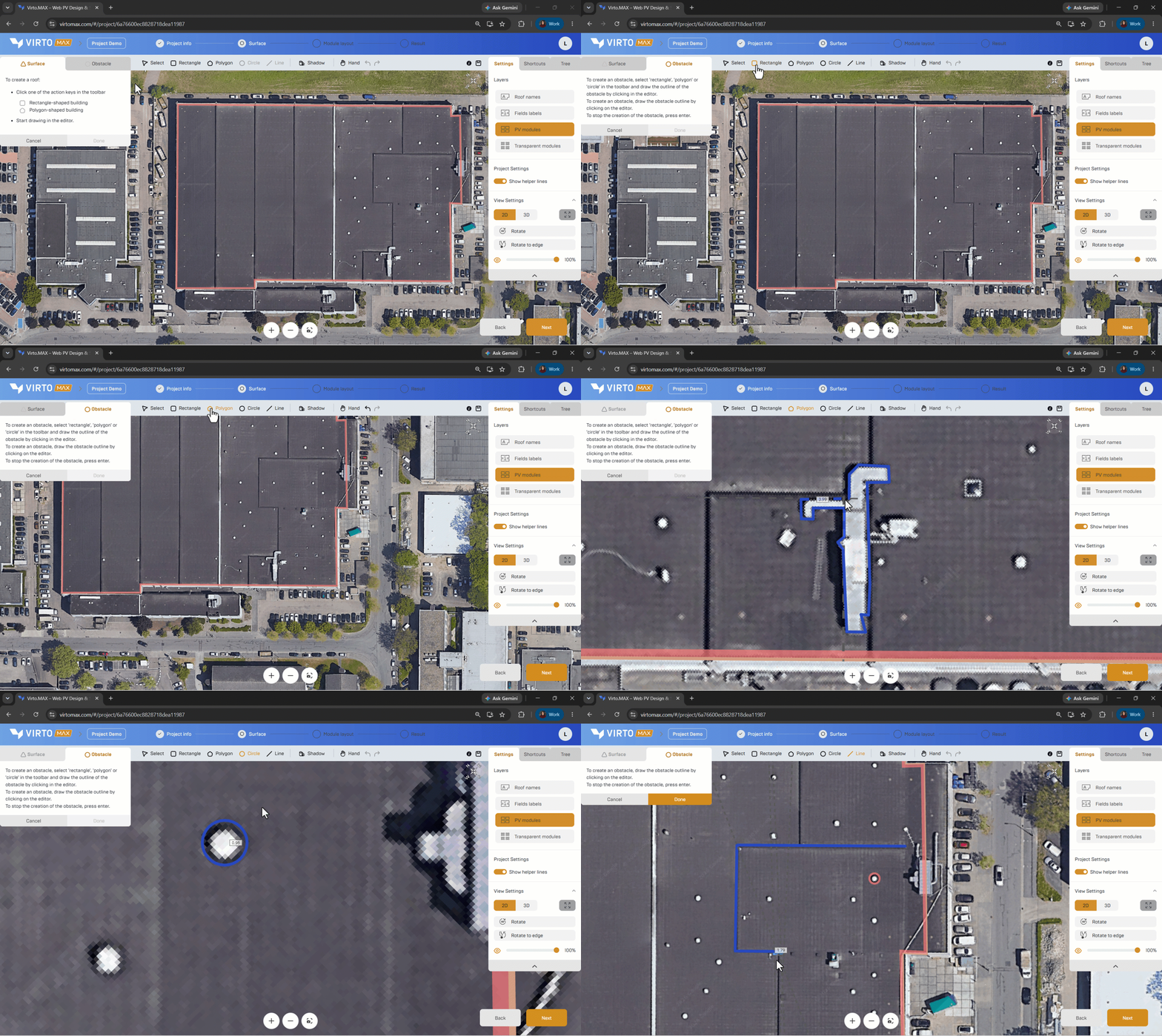
- Rectangle: draw one side and drag to the required width.
- Circle: select the centre and drag to define the radius.
- Polygon: trace an irregular outline and close the shape.
- Line: draw a linear exclusion or obstruction, such as a ridge feature, wall, route, or narrow no-build zone.
Set obstacle properties
- Select the obstacle and enter its height or alignment where relevant.
- Set an offset or keep-out distance when modules must remain clear of the object.
- Use a descriptive name for important access or safety zones.
Detect similar obstacles automatically
- Enable Create similar objects.
- Set the matching accuracy.
- Review the detected objects
Good to know: Automatic detection accelerates repetitive work but does not replace a visual check. Roof equipment, shadows, markings, and image artefacts can look similar in satellite imagery.
Next step: Place panels on a surface.